VEED Review: Is This AI Video Editor Still Worth Using in 2026? Explore AI editing, captions, avatars, audio cleanup, text-to-video, and browser-based social content workflows. See whether VEED offers enough all-in-one convenience for creators and marketing teams.
 Yes (Browser-based platform accessible in India)
VEED is a simple, browser-based AI video editor focused on speed and subtitles. This accessible AI video editing tool India 2026 is popular for adding auto-captions, resizing videos, recording screen and webcam, and making quick social media edits without installing software.
No reviews yet — be the first to review!
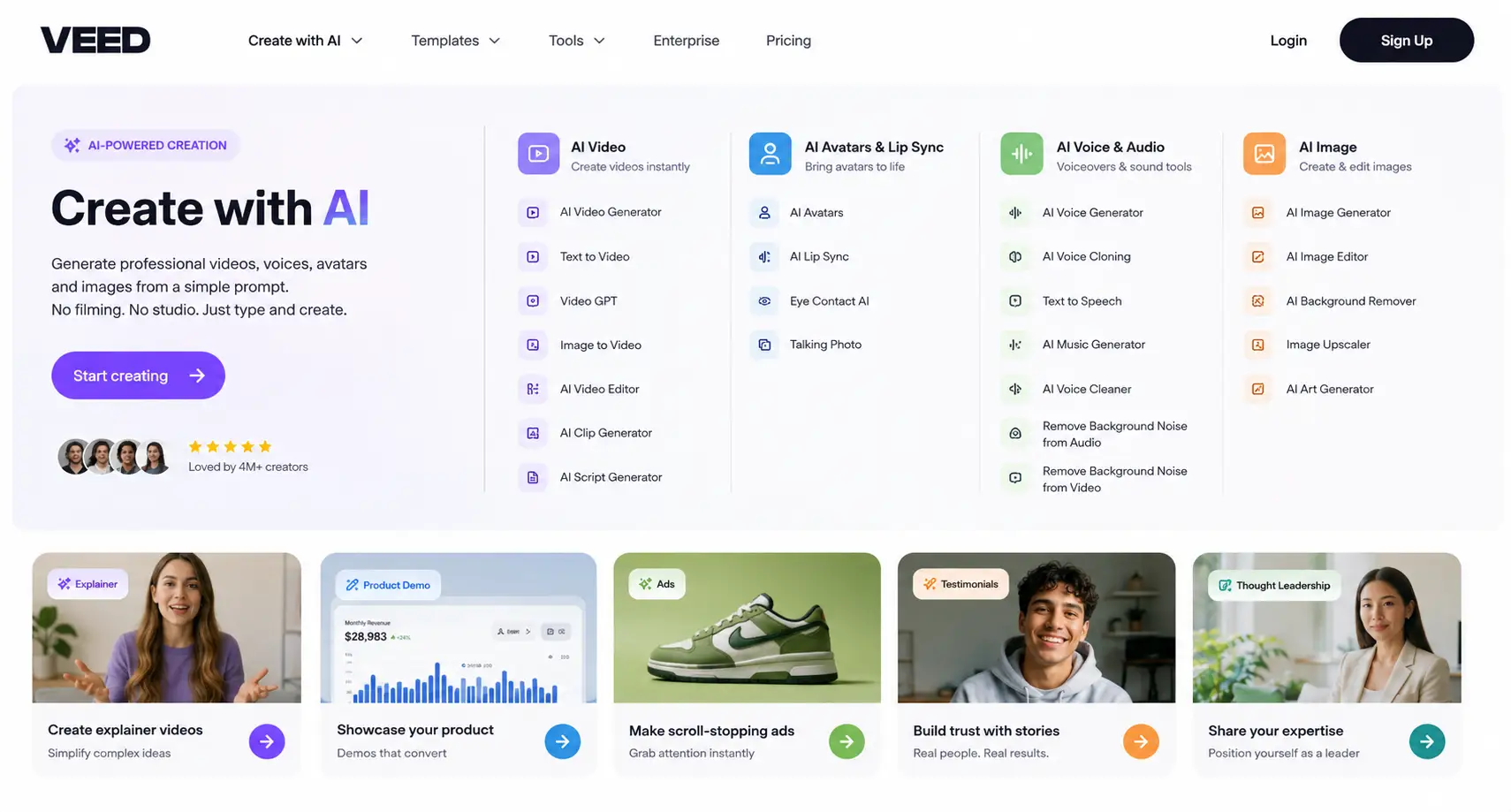
VEED is a browser-based editor featuring AI tools for auto-subtitles, background removal, eye contact correction, and digital avatars.
VEED uses advanced speech recognition that is highly accurate, saving hours of manual typing. You can also edit the text for 100% precision.
This AI feature digitally adjusts your eyes in the video to make it look like you are looking at the camera, even if you were reading a script.
Yes, it is optimized for creating viral content like YouTube Shorts, TikToks, and Instagram Reels with easy resizing and trending templates.
Watermarks are included on the free version. To export high-quality videos without watermarks, you will need a paid subscription.
Yes, VEED allows you to clone your voice so you can generate professional-sounding voiceovers by simply typing your script.
Yes, VEED is cloud-based and allows multiple users to work on the same video project, making it ideal for marketing teams.
 AI
AI