Descript Review: Can You Edit Video by Editing Text? Explore transcript-based editing, AI voice tools, filler-word removal, screen recording, clips, and collaborative content workflows. See why Descript remains compelling for podcasts, interviews, and talking-head creators.
 Yes (Web and desktop platform accessible in India)
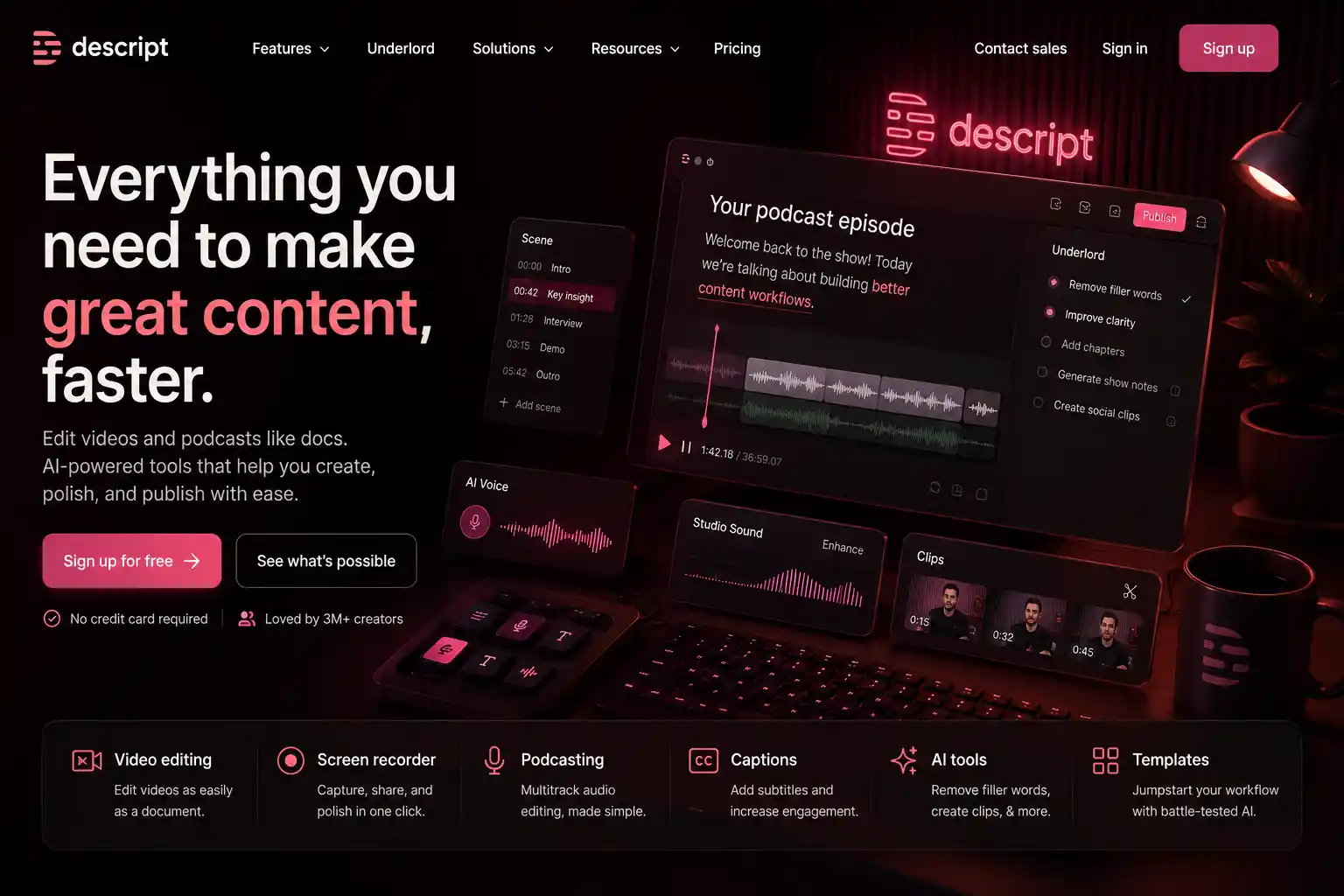
Descript transforms editing by converting audio and video into editable text. Users can cut or rearrange content by editing the transcript, dramatically speeding up workflows. It includes accurate transcription, Overdub voice cloning for fixes, and built-in screen recording. Multitrack editing supports complex projects, while filler word removal cleans dialogue automatically. Collaboration features allow comments and shared edits. With strong podcast tooling and caption exports, Descript is ideal for creators who want fast, text-driven editing.
No reviews yet — be the first to review!
Descript allows you to edit audio and video by editing text. If you delete a word in the transcript, it automatically deletes that part of the video.
Yes, if you can use a word processor like Google Docs, you can use Descript. It is designed to be intuitive for non-editors.
Overdub is an AI voice cloning tool that lets you type new words to generate audio in your own voice to fix mistakes in a recording.
Yes, Descript has a "Remove Filler Words" feature that identifies and deletes "ums" and "uhs" with a single click.
Absolutely. It is a favorite tool for podcasters because of its multitrack editing, transcription, and remote recording capabilities.
Descript integrates with SquadCast, allowing you to record high-quality remote interviews directly into your project.
Yes, Descript is available as a downloadable application for both macOS and Windows operating systems.
 AI
AI