✨ Write Better Prompts, Get Amazing Results
Universal AI Prompt Generator
Type in topic, idea, or paste/upload a screenshot to instantly create professional, detailed and creative prompts for any AI tool.
⚡ Works for all AI tools
🎯 Better & detailed results
🎨 Multiple styles
🔓 Free to use

1. Select AI Model / Tool
2. Choose Tone
3. Describe Your Idea or Paste a Sample (Optional)
Attached Screenshot
Ready for Vision AI Reverse Engineering
🎯 Intent Understood: ...
Save Time
Get well-structured prompts in seconds
Works Everywhere
Use with ChatGPT, Midjourney, Claude & more
Boost Creativity
Explore new ideas and styles
100% Free
No signup required
Prompt Examples
Click any example to try it instantly

Fantasy Art
Epic dragon in a snowy mountain landscape, detailed

Interior Design
Modern living room with natural light and indoor plants

Pet Photography
Golden retriever puppy in a park, shallow depth of field
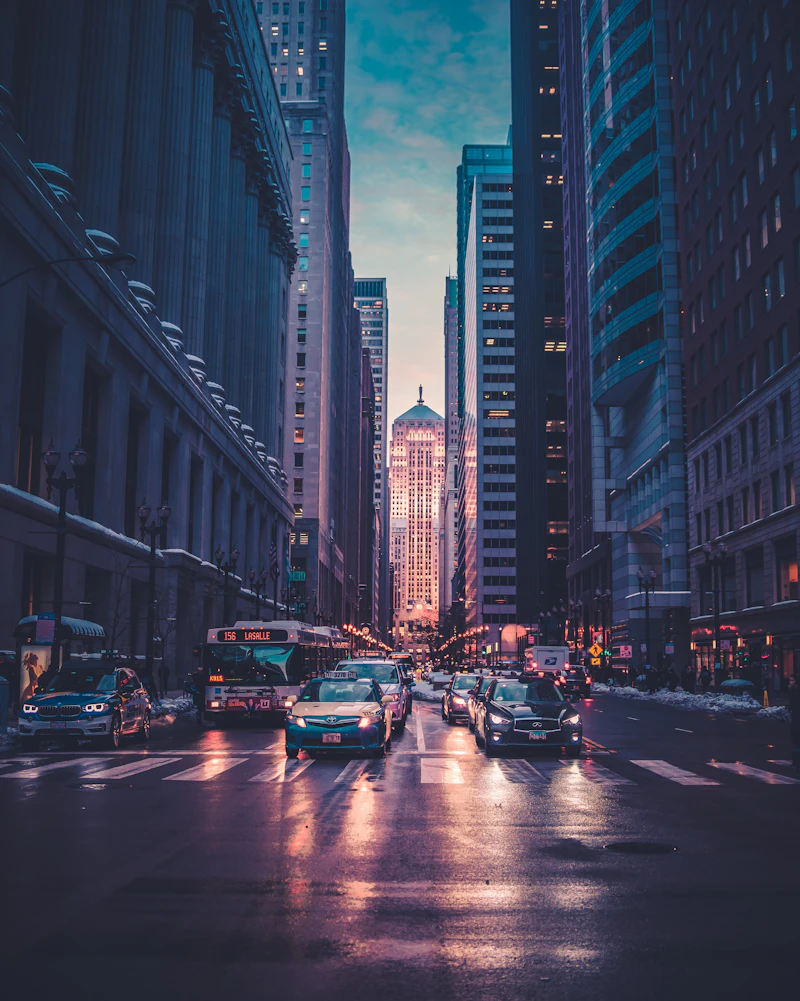
Sci-Fi Concept
Futuristic city at sunset, ultra detailed, cinematic
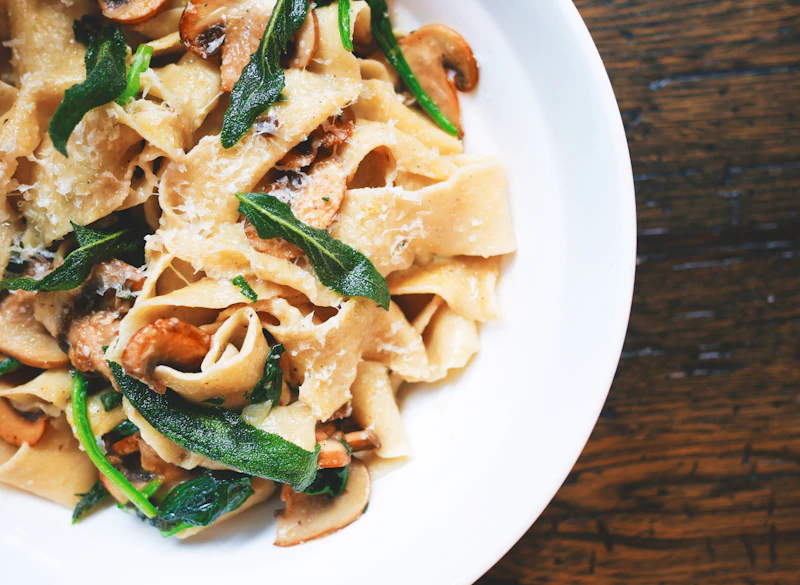
Food Photography
Delicious pasta on a rustic table, professional food photo

YouTube Script
30-second script for AI tools channel
Frequently Asked Questions (FAQ)
Learn how to create the perfect prompts for maximum accuracy and efficiency.
1. Can I use this prompt generator for any AI tool?
Yes! Our universal engine tailors prompts specifically for ChatGPT, Midjourney, Claude, Flux, Stable Diffusion, and script generation tools.
6. Can I generate code prompts for web development?
Yes. Select the "Write (Doc & Python)" preset to generate clean, production-ready code with dependencies.
2. How does image-to-prompt work?
Simply drag & drop, upload, or press Ctrl+V to paste a screenshot directly into the box. Our Vision AI reverse-engineers its exact style and composition.
7. How does the "Test in ChatGPT" button work?
It opens chatgpt.com instantly with your generated master prompt preloaded in the chat input.
3. Why does the generated prompt have placeholders?
Placeholders allow you to easily customize specific variables tailored to your project before running the prompt.
8. Will my prompt data be saved on the server?
No. Your queries and screenshots are processed in real time and are never logged or stored.
4. Is this prompt generator free to use?
Yes, 100% free with no registration or subscriptions required.
9. What if I want a shorter or more concise prompt?
Choose the "Technical" or concise tone pill before generating to strip out fluff.
5. Which prompt engineering frameworks are used?
We use the proven Role-Context-Task-Constraints-Format (RCTCF) framework for maximum accuracy.
10. Can I generate prompts for YouTube video scripts and hooks?
Yes! Select the YouTube model preset to get retention-optimized hooks and pacing cues.